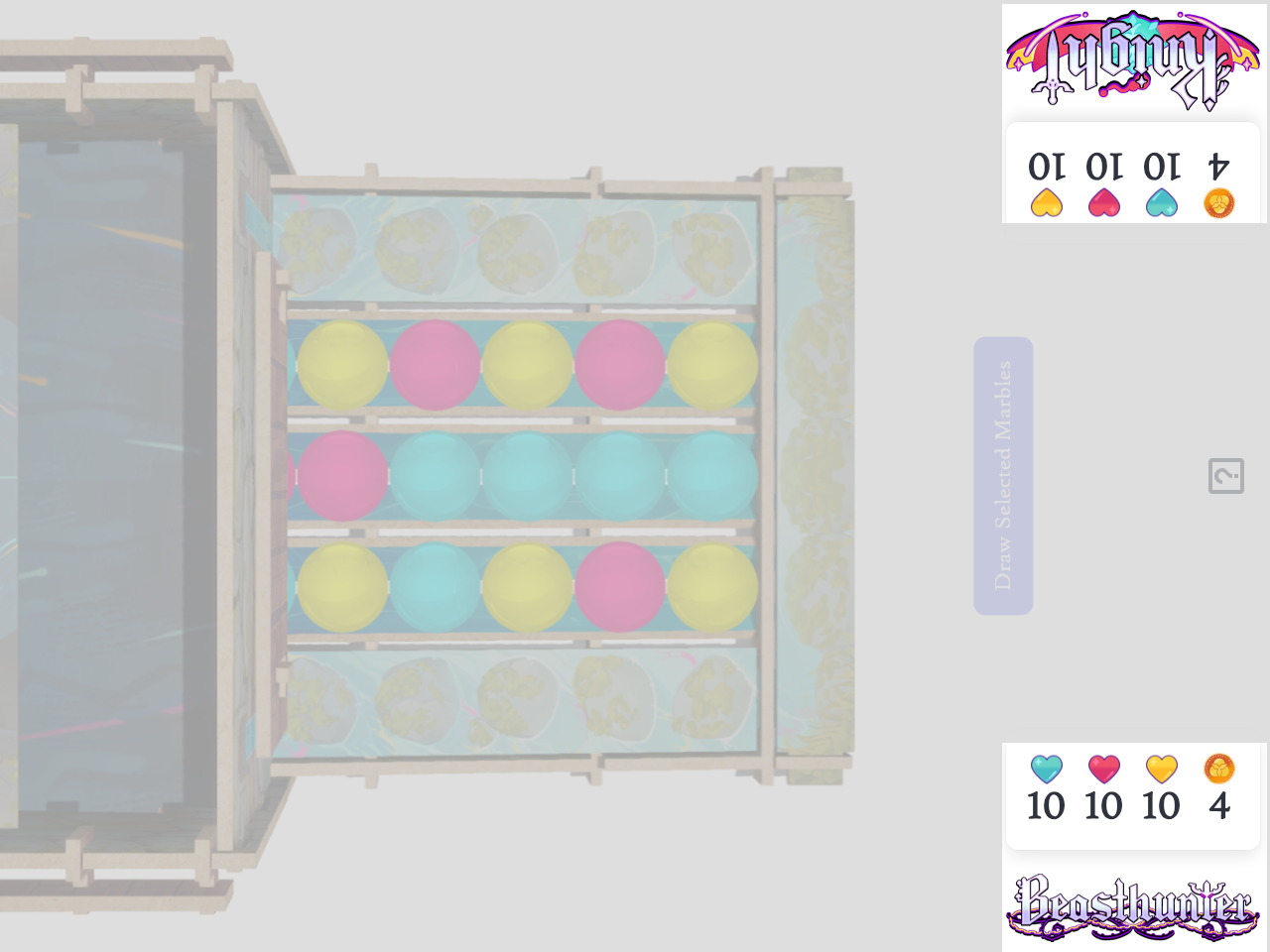
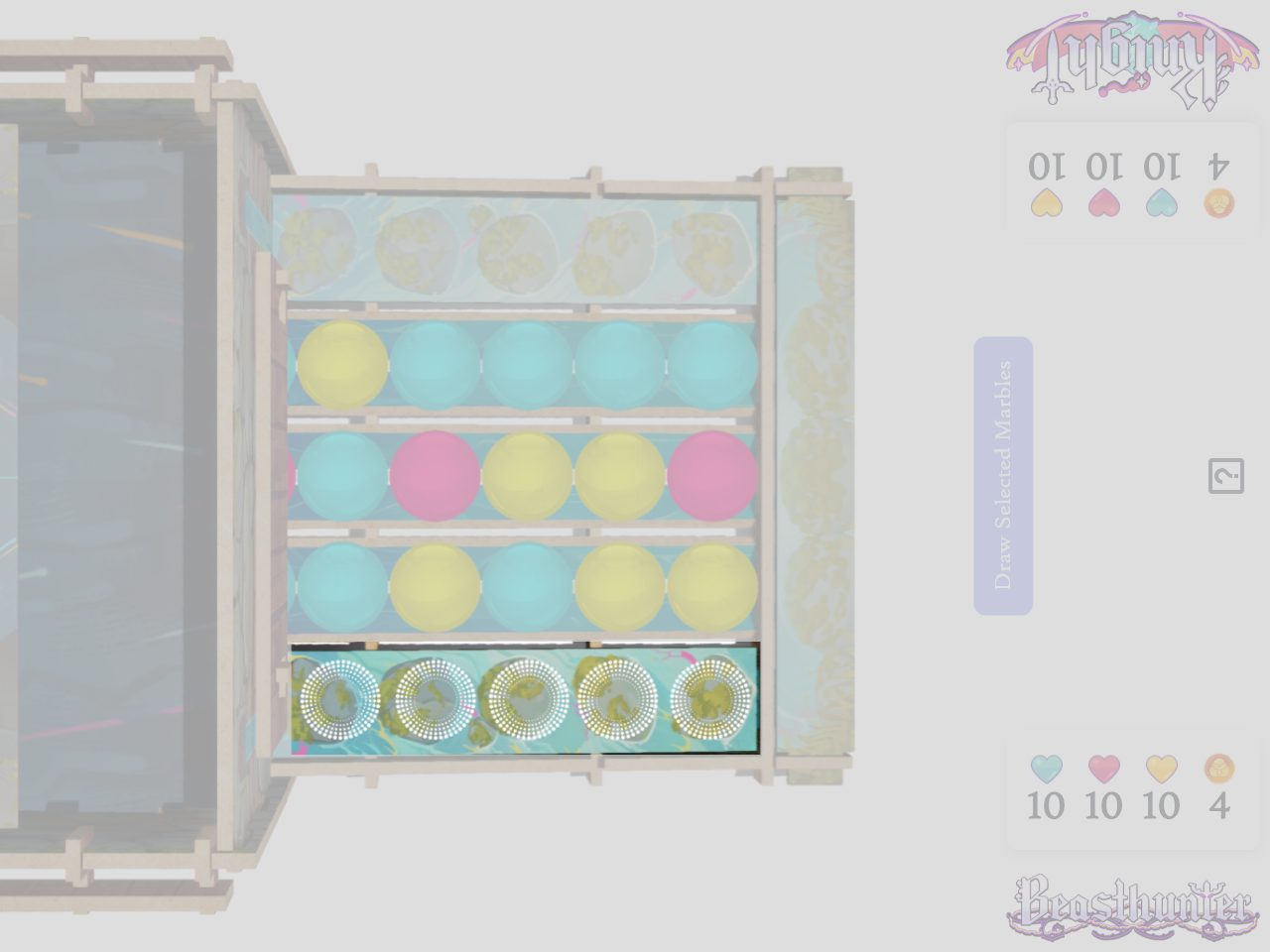
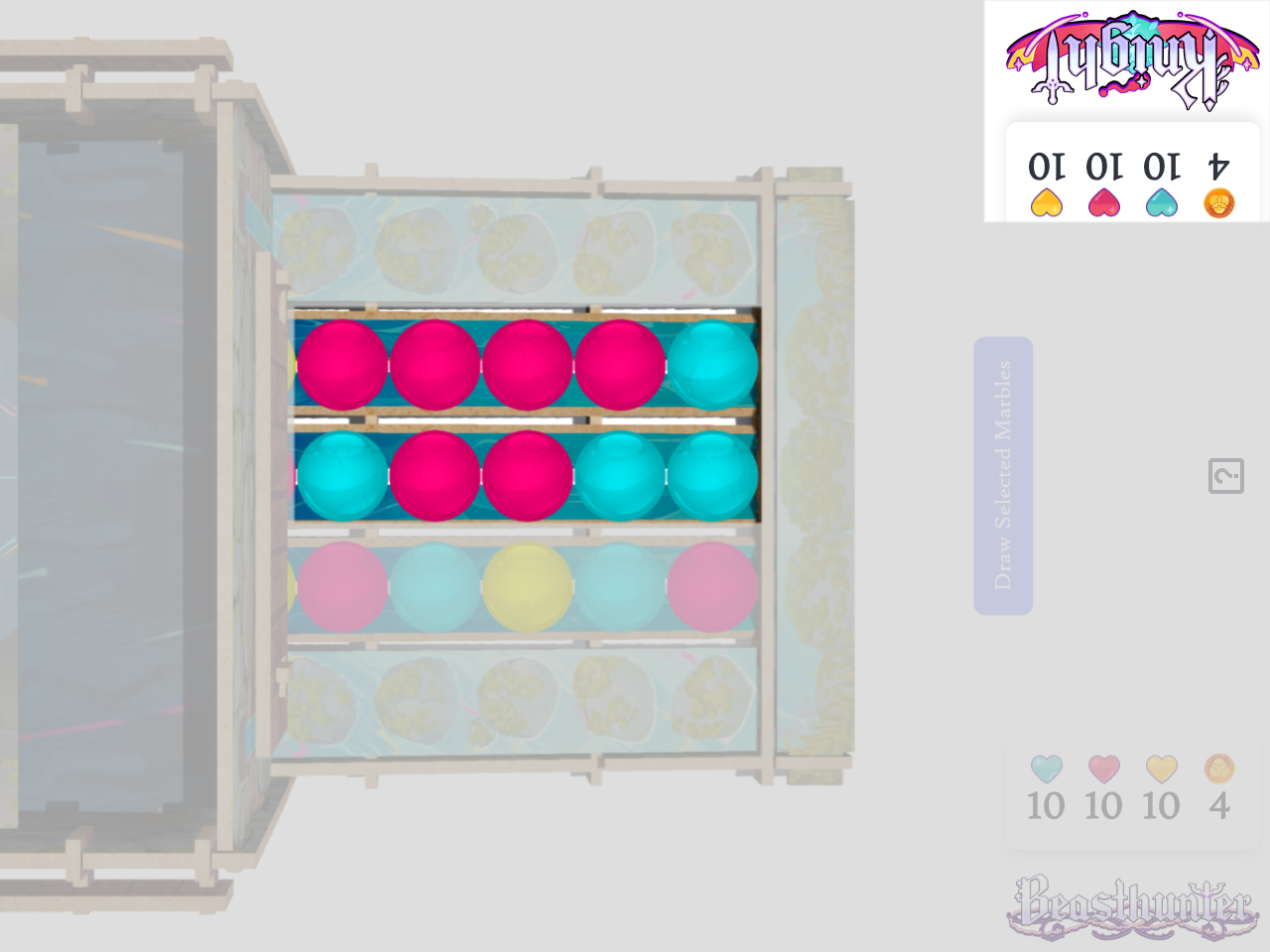
Load this webpage on your phone or tablet, and layout the game as pictured.
NOTE: You can install this page as a web app onto the homescreen on your device. This will make the
digital Power Well use the full screen.
Press Share and select Add to Home Screen
Tap on marbles to select them.
Tap the "Draw Selected Marbles" button to play them.
Tap on your Hero icon or your health stats to open your control panel.
Tap the corresponding / to adjust your Health or Wishing Coins.
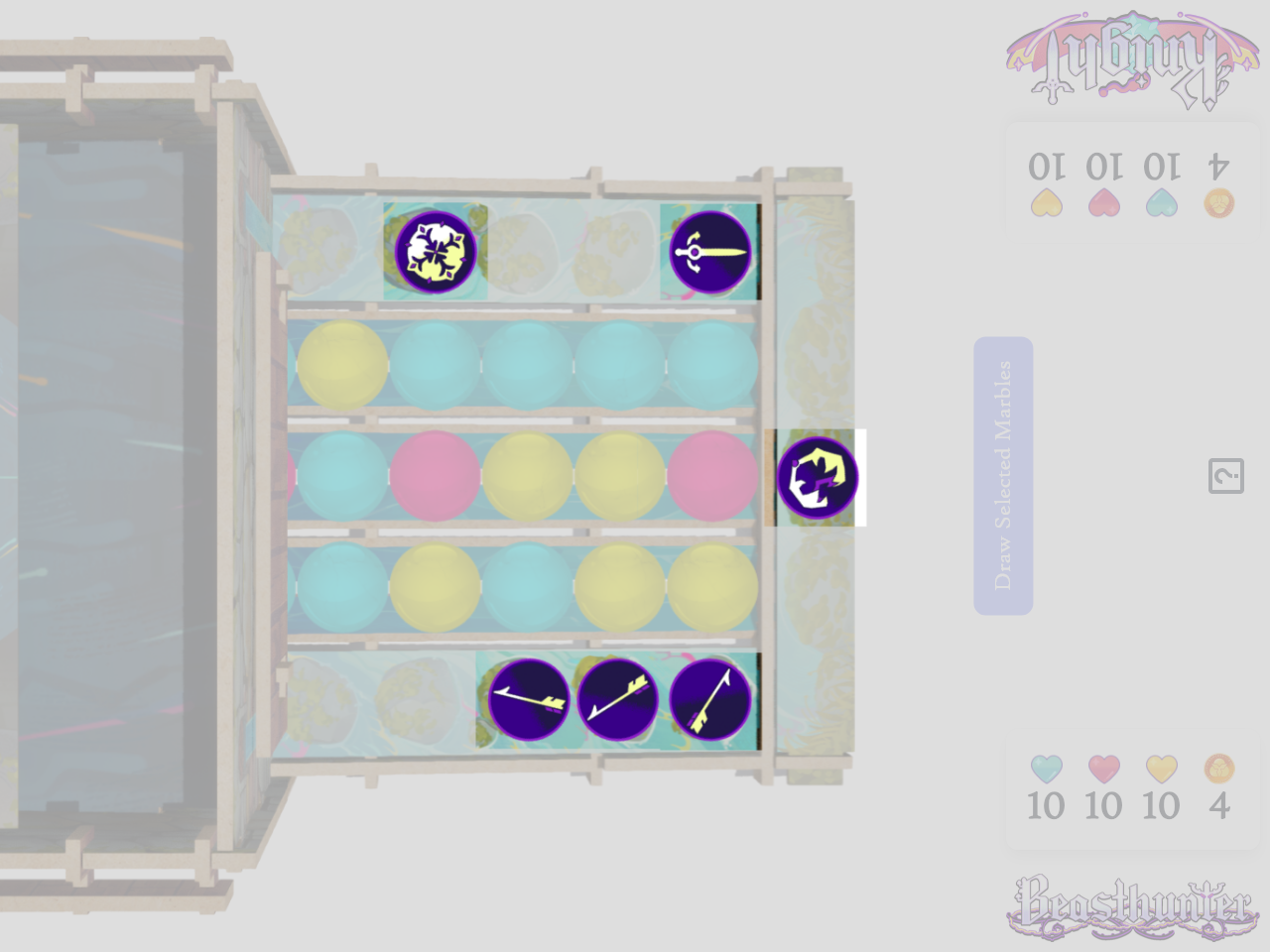
Tap your tokens to enter token placement mode.
In token placement mode you can tap one of the spinning circles to place your token.
Tap on an existing token to remove it.
Starting the Game
Flip a coin to determine who will take the first turn. If you do not have a coin, the youngest player
will go first.
The player that is going 2nd gets to remove UP TO 3 marbles from the middle column and
their foe's column before the game begins.
Ability Activation Primer
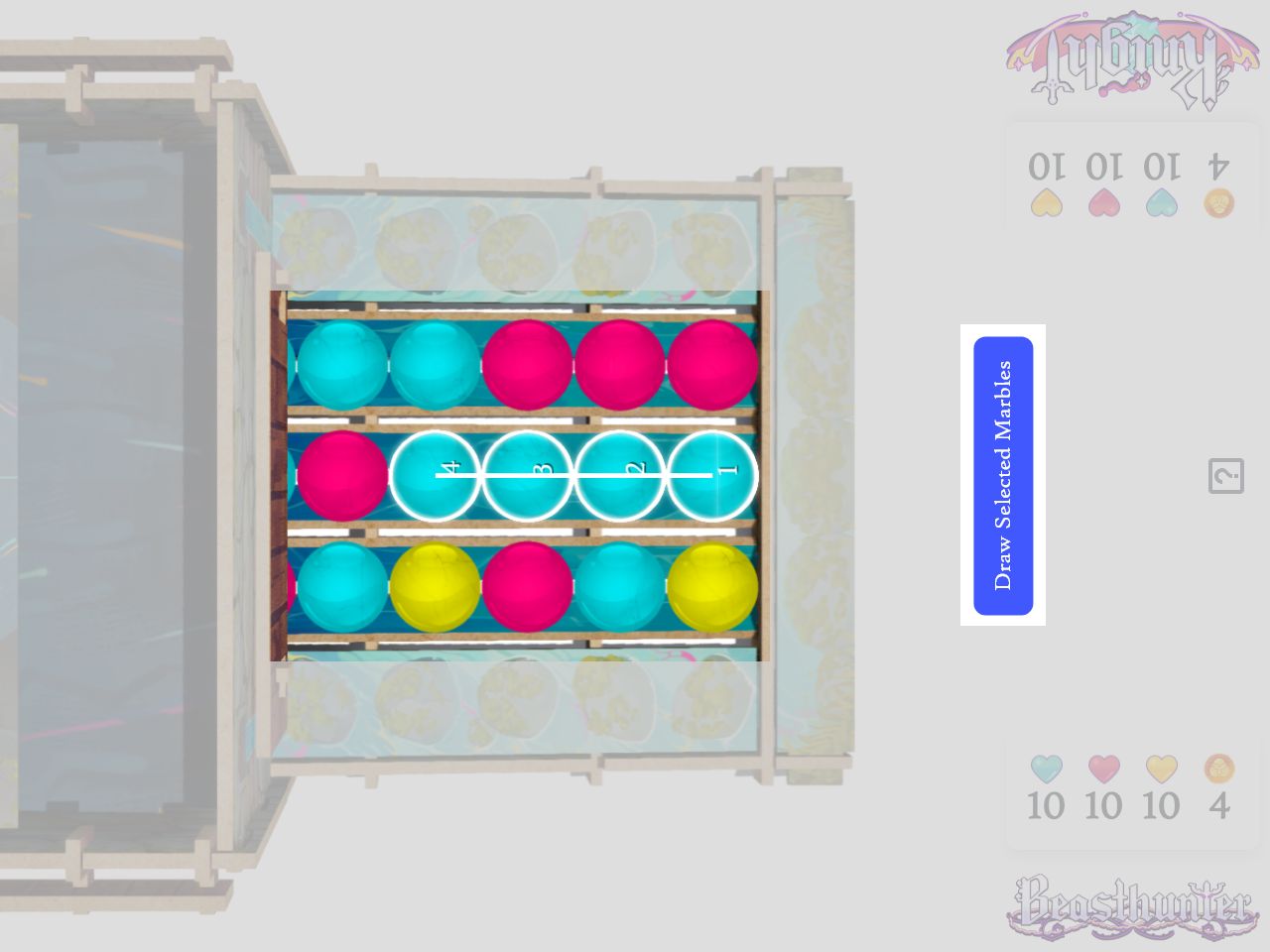
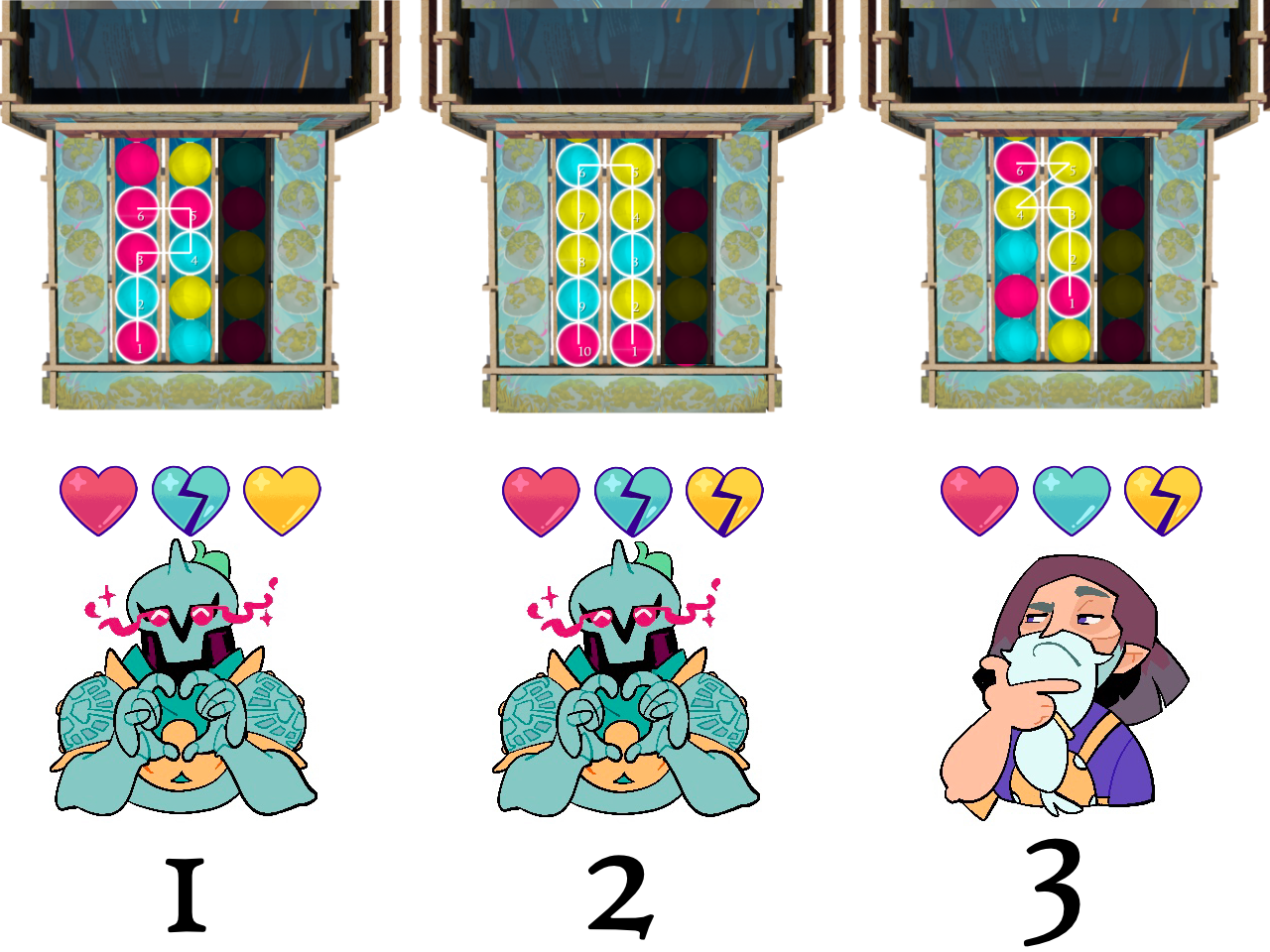
Figure 1. Example showing Knight's playable columns.
In order to activate your abilities, you may only play marbles from the column closest to you and the
middle column.
You can remove marbles from ANYWHERE (including your foe's column) if your ability says to "Remove"
marbles.
Ability Boards
Each Hero has 3 Ability Boards that match the 3 colors of marbles in the Power Well.
Each Ability Board has 3 abilities with an associated marble activation cost.
1. Activation Cost
On your turn, you may activate one ability. This field indicates how many and of which color marbles you
must play to use this ability.
2. Ability Name
3. Ability Description
The effects that will occur, in order from top to bottom, if you activate this ability.
4. Power Flow Cost
If you started your turn with enough Power Flow Points, you may spend them to activate the
Empowerment Effect.
5. Empowerment Effect
If the Empowerment Effect is activated, you will perform the full ability as written, then apply the
Empowerment Effect at the end.
NOTE: You can only use the attached Empowerment Effect with its associated ability above it.
Class Board
Each Hero has a Class Board that describes their unique mechanics and how they affect the game.
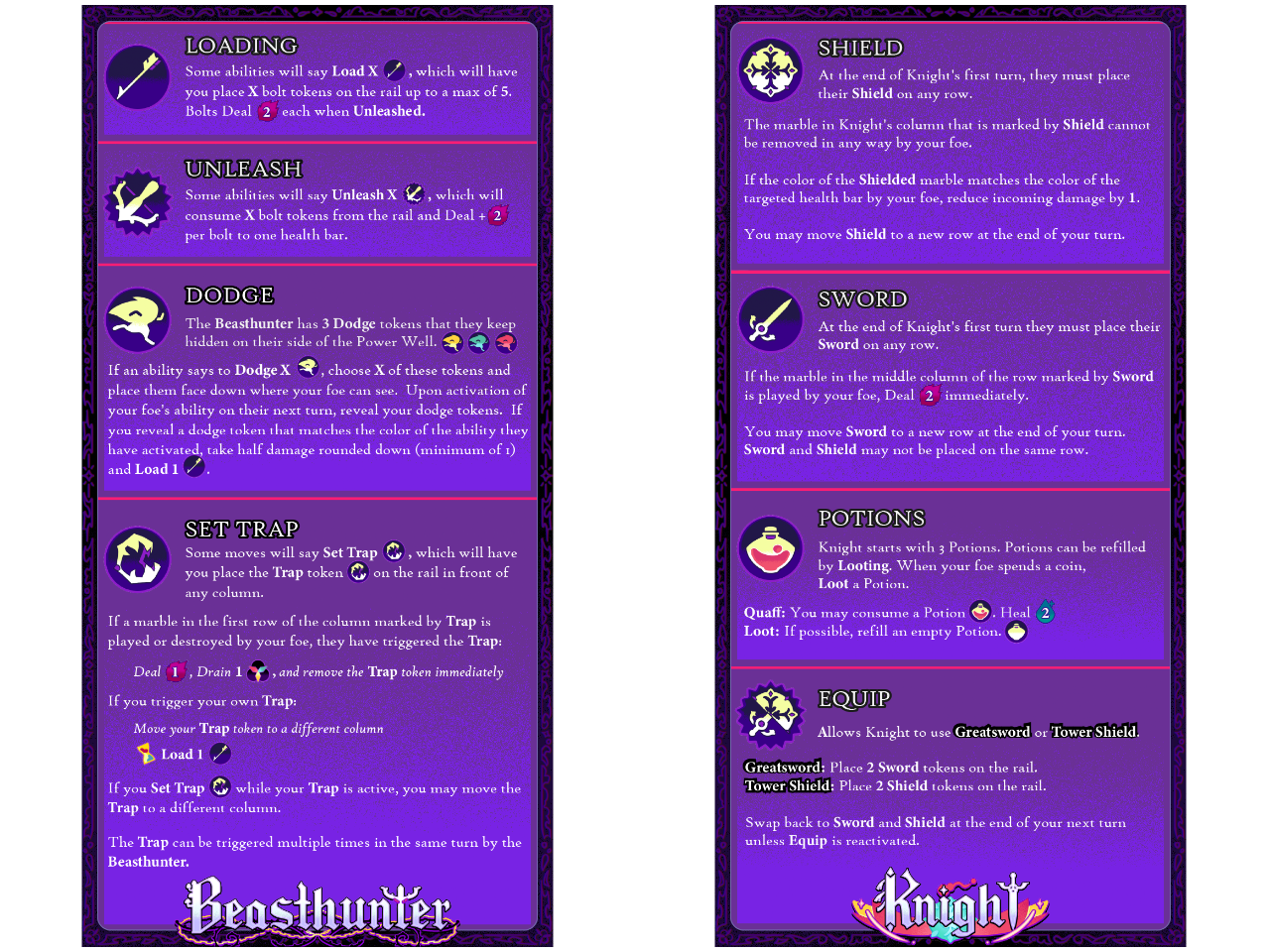
You will find each of your Hero's token definitions on this sheet. Reference it throughout play as you
see the associated icons on your Ability Boards.
Most Heroes have one or more status tokens tied to their Class Board mechanics. The status tokens are
usually placed on one of the rails on the outside of the Power Well.
These tokens may indicate a modification to the marbles on the row or column they are placed, they may
be used as
a counter based on the row number
they are placed on, they may indicate a healing status for the Hero, or a variety of other indications.
Health / Power Flow
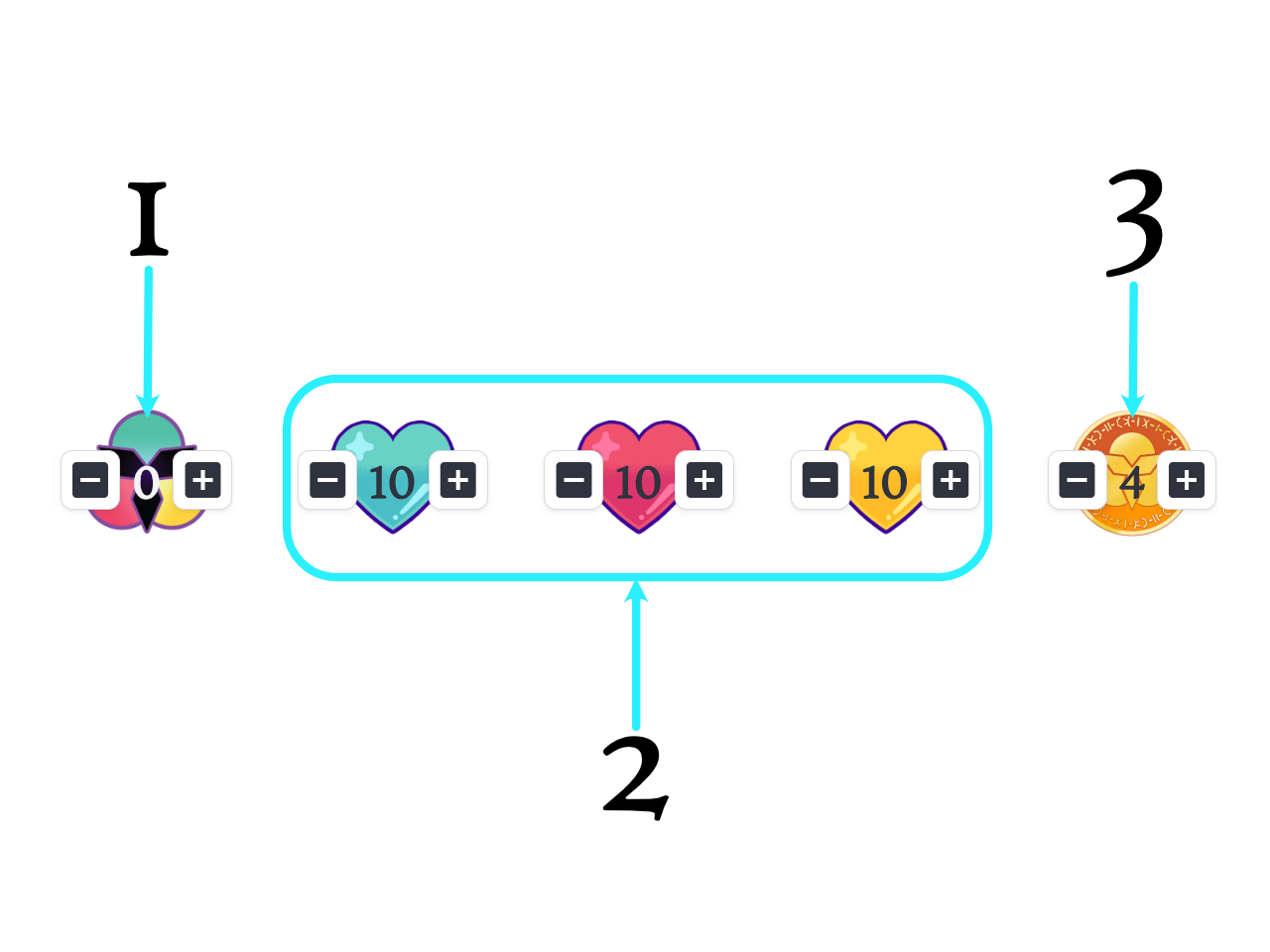
Each Hero starts the game with 0 Power Flow Points, 10 Health on each Healthbar, and 4 Wishing Coins.
1. Power Flow Meter
Tracks the amount of Power Flow Points you have available to spend on Empowerment Effects. Starts at 0
and raises as high as 5.
If your ability says to Power Up X, increase the Power Flow Meter by X points.
At the end of your turn, if you DID NOT spend any Power Flow Points, gain 1 Power Flow Point.
2. Health Bars
Each hero has 3 Health Bars that start at 10 points each. If one of your Health Bars is reduced to 0,
flip your matching colored Ability Board over. It is now Exhausted.
Continued on Next Page...
Wishing Coins
Each Hero starts the game with 0 Power Flow Points, 10 Health on each Healthbar, and 4 Wishing Coins.
3. Wishing Coins
Each hero has 4 Wishing Coins.
(a*) When an Ability Board becomes Exhausted you must toss 1 Wishing Coin into the Power Well and wish
away death.
(b**) If an Ability Board becomes Exhausted while you already have another Exhausted Ability Board, you
must toss 2 Wishing Coins into the Power Well to wish for more time.
If all three of your Ability Boards are Exhausted at the same time, you do not have the strength to toss
a coin and you have lost the fight.
If you cannot afford to make a life-saving wish upon Exhaustion of an Ability Board, you have lost the
fight.
Note: If two Ability Boards become Exhausted on the same turn, you must treat them as being Exhausted one
at a time.
You will toss 1 Wishing Coin for the first Exhaustion (a*), then you will toss 2 additional Wishing Coins
for the second Exhaustion (b**), for a total of 3 Wishing Coins.
How to Activate Abilities
In Power Well, the primary resolution mechanic is the Power Well itself. On your turn, you will draw
marbles in matching sets of 1, 2, or 4 of the same color from the 2 columns closest to you.
When activating abilities, you must play marbles that are...
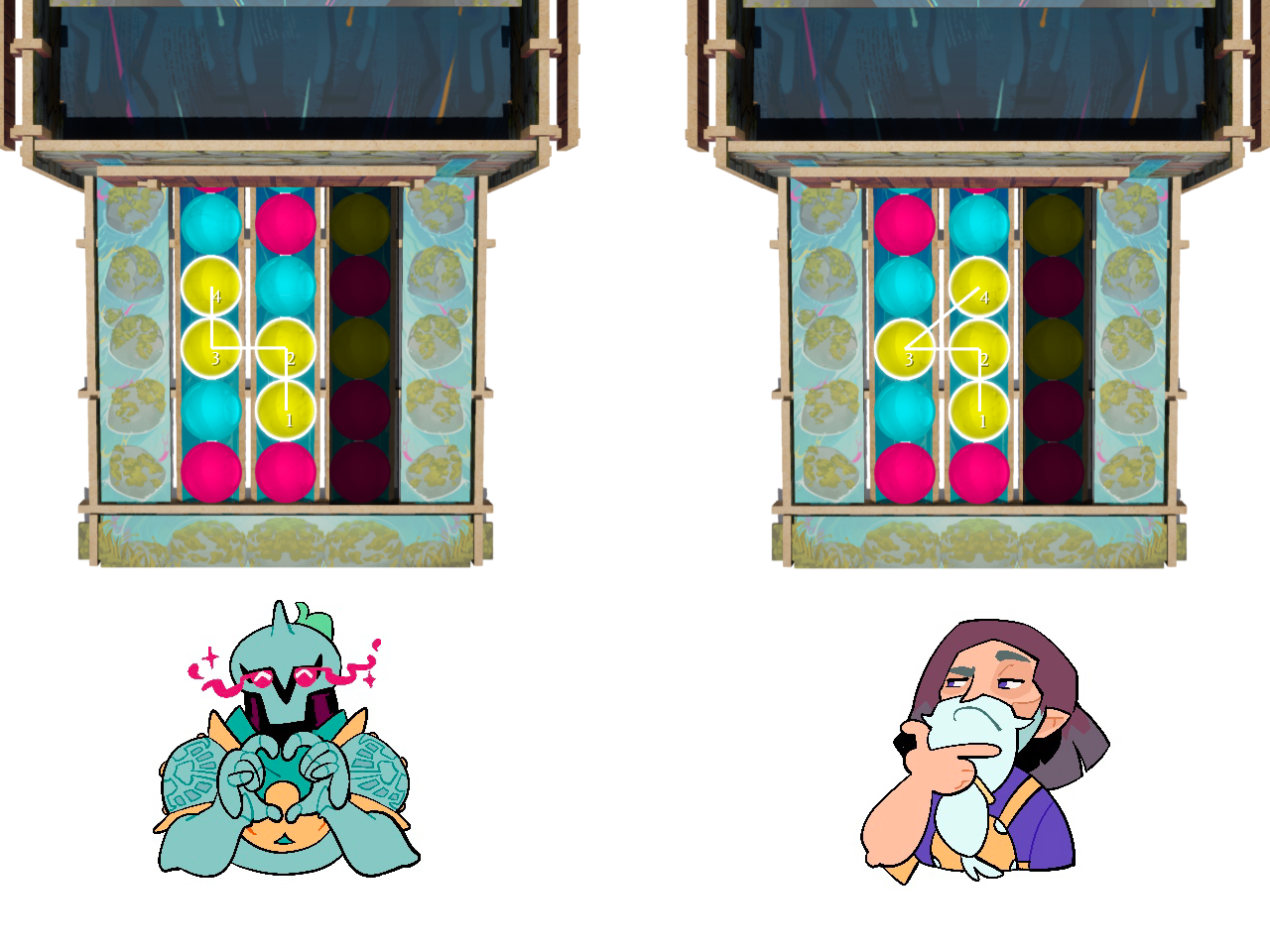
1. The same color
2. adjacent, or touching on one side
Note: Diagonals are NOT a valid play.
If you can draw a line through the marbles without crossing over itself, it is a valid play.
Healing and Dealing
In Power Well, healing Health Bars and dealing damage is assigned by the player whose turn is underway.
If my ability says to Deal 3, I will choose which of my foe’s Health Bars I harm. If I were to place a
status token on a row that says 'Deal 3 if marble on this row is played', and my foe uses that row on
their turn, my foe gets to choose which of their Health Bars I harm.
When targeting a Health Bar with an ability that says 'Deal X', all X points of damage must target one
Health Bar.
If an ability says 'Deal +X', it will add damage to the existing attack. This means that damage must
target the same Health Bar as the rest of the attack.
Exhausted Ability Boards can never be targeted by Heal X nor Deal X.
Exhausted Ability Boards
If you suffer an Exhausted Ability Board you will…
- No longer be able to use abilities of that color
- No longer be able to heal that Health Bar via Heal X abilities
- No longer be targetable on that Health Bar by your foe
However, an Exhausted Ability Board means you are no longer bound to that source of power, and you may
now use the Exhausted color for Fusion.
Fusion
(Recovering Exhausted Ability Boards)
Fusion allows you to play through marbles that match the color of your Exhausted Ability Board(s) when
activating your abilities. For each marble that you fuse through you will Heal 2 on the matching
Exhausted Health Bar.
1. Cyan is Exhausted
This is a valid Fusion to activate the 4-marble Magenta ability while Fusing through 2 Cyan marbles.
This will Heal 4 to the Cyan Health Bar.
2. Cyan and Yellow are Exhausted
This is a valid Fusion to activate the 2-marble Magenta ability while Fusing through 5 Yellow marbles
and 3 Cyan marbles. This will Heal 6 to the Cyan Health Bar, and Heal 10 to the Yellow Health Bar which
will fully recover the Yellow Ability Board, bringing it back into play instantly.
1. Yellow is Exhausted
This is NOT a valid Fusion. Fusion follows the same rules as ability activations, and diagonals
are not allowed.
Wishing for Help
At the start of your turn, if you find that the Power Well is not playing to your favor you may toss a
Wishing Coin into the Well and wish for a reset of the Field.
Lose one of your Wishing Coins then remove all 15 marbles from the Field.
After you have reset the Field, your foe may remove 1 marble from anywhere before your turn
continues.
Icons and Terminology
Before Marble Played
You may apply this effect before you physically draw the marbles to activate your ability.
First or Last
If this icon is present, typically on Empowerments, it allows you to choose whether this effect
will occur first in the ability effects, or last.
Deal X
Choose any of your foe's Active Health Bars and reduce it by X.
Heal X
Choose any of your own Active Health Bars and increase it by X.
Drain X
Reduce your foe's Power Flow Meter by X.
Power Up X
Increase your Power Flow Meter by X. This does not stop you from gaining normal Power Flow at the
end of this turn.
Marble / Any
This symbol usually follows the keyword "Remove" and it means you can target any color of marble.
Continued on Next Page...
Icons and Terminology Continued
Column Left,Middle,Right
One of the 3 vertical groupings of 5 marbles on The Field.
Empower / Empowerment
The bonus effect that is added to an ability if you spend points from your Power Flow Meter.
Fuse / Fusion
When an Ability Board is Exhausted, the marbles that match the color of that Ability Board may be
jumped to connect you to other marbles. This will heal the Exhausted Health Bar for 2 per matching
marble fused.
May
If an ability says that you "may" do an action, the action is completely optional. Otherwise, all
actions must be performed. (Example: Remove 3 - You must Remove 3 marbles. May Remove 3 - You can
either Remove 3 marbles, or skip this action completely)
Remove (X)
If your ability says to "Remove X" you may choose any marble from anywhere on The Field, including
your foe's column, pull it from The Field and immediately place it into The Well. This is typically
used as a form of control to keep your foe from lining up a particular ability.
Up To
If an ability says that you can perform it "up to" a certain number, then you have the option to
stop below that number. (Example: Remove 3 - You must Remove 3 marbles. Remove Up To 3 - You can
either Remove 0, 1, 2, or 3 marbles)